
Remote Support
For hands-on help with a driver, a scan destination or a setting that will not behave, a technician can work on your screen with you rather than talking you through it blind.
How a session works
- Call 0345 345 3044 first. This is not self-serve: a technician has to generate the code
- The technician gives you a short session code over the phone
- Download the small Splashtop SOS application when prompted, no installation needed
- Enter the code, and the technician can see your screen
- You stay in control throughout and can end the session at any point
Request a remote session
If you would rather we call you back to start a session, send the details here.
The people you get through to
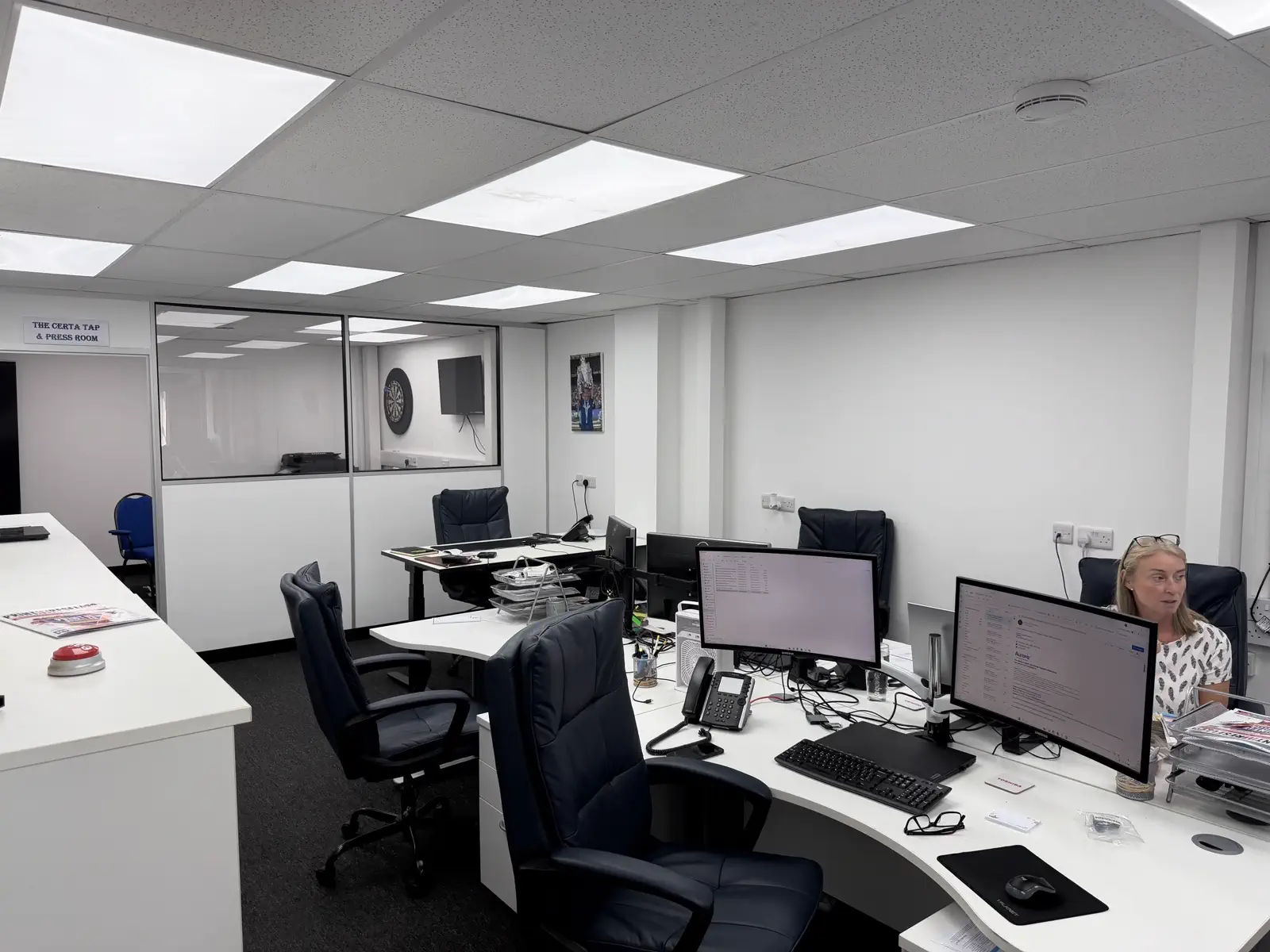
The service desk in Burgess Hill